
What is the Learnspace?
The Learnspace is the central hub where Learners can view and access all Single Player Microsimulations they’ve been invited to. Instead of receiving separate links for each deployment, Learners can now see everything in one place.
What do Learners see?
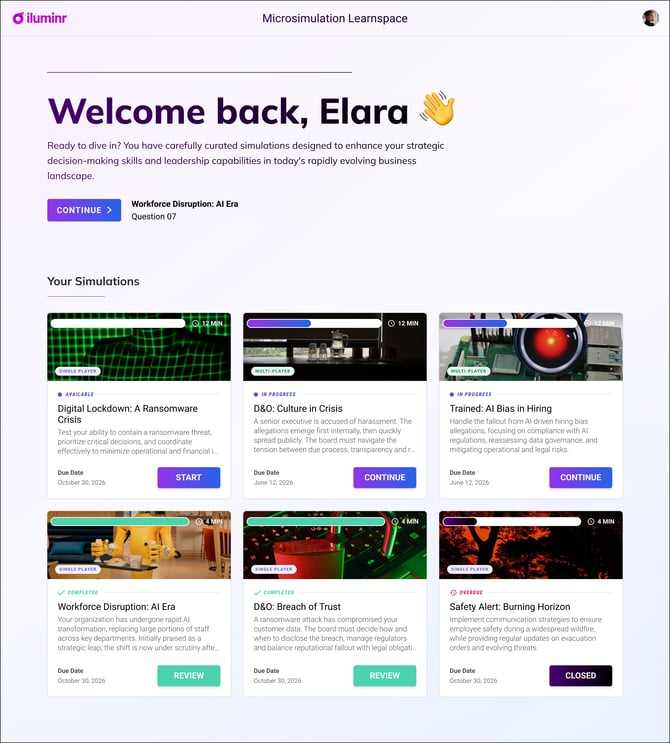
When a learner access the Learnspace displays:
- All Single Player Microsimulations the Learner has been invited to.
- Their status for each Single Player Microsimulation (e.g. not started, in progress, completed).
- Direct access to launch each Single Player Microsimulation.
This provides a structured, visual overview of participation.
How do learners access the Learnspace?
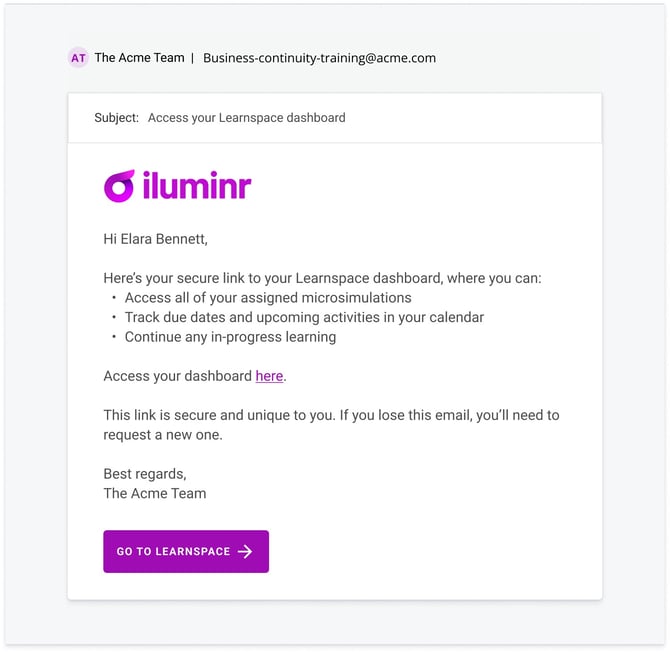
Learners can access the Learspace via the email they receive titled "Access your Learnspace dashboard".
How does this impact existing deployments?
The Learnspace does not change how you create or deploy Single Player Microsimulations; however as you add more Single Player Microsimulations to a squad, Learners in that squad will automatically see ALL Single Player Microsimulations within the Learnspace.
Learners will no longer receive individual emails for each Single Player Microsimulation at initial invitation; instead, they will receive ONE invitation directing them to the Learnspace.
Related Articles:
Need more assistance? Submit a support ticket