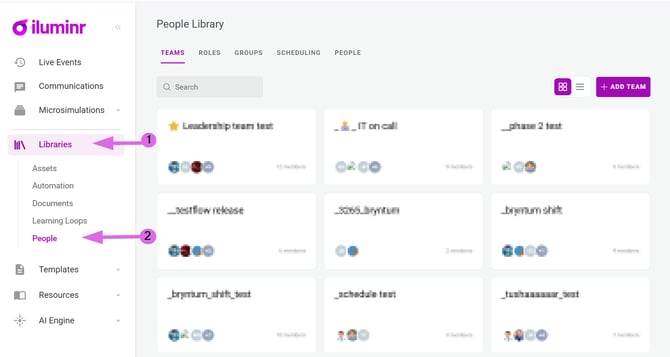
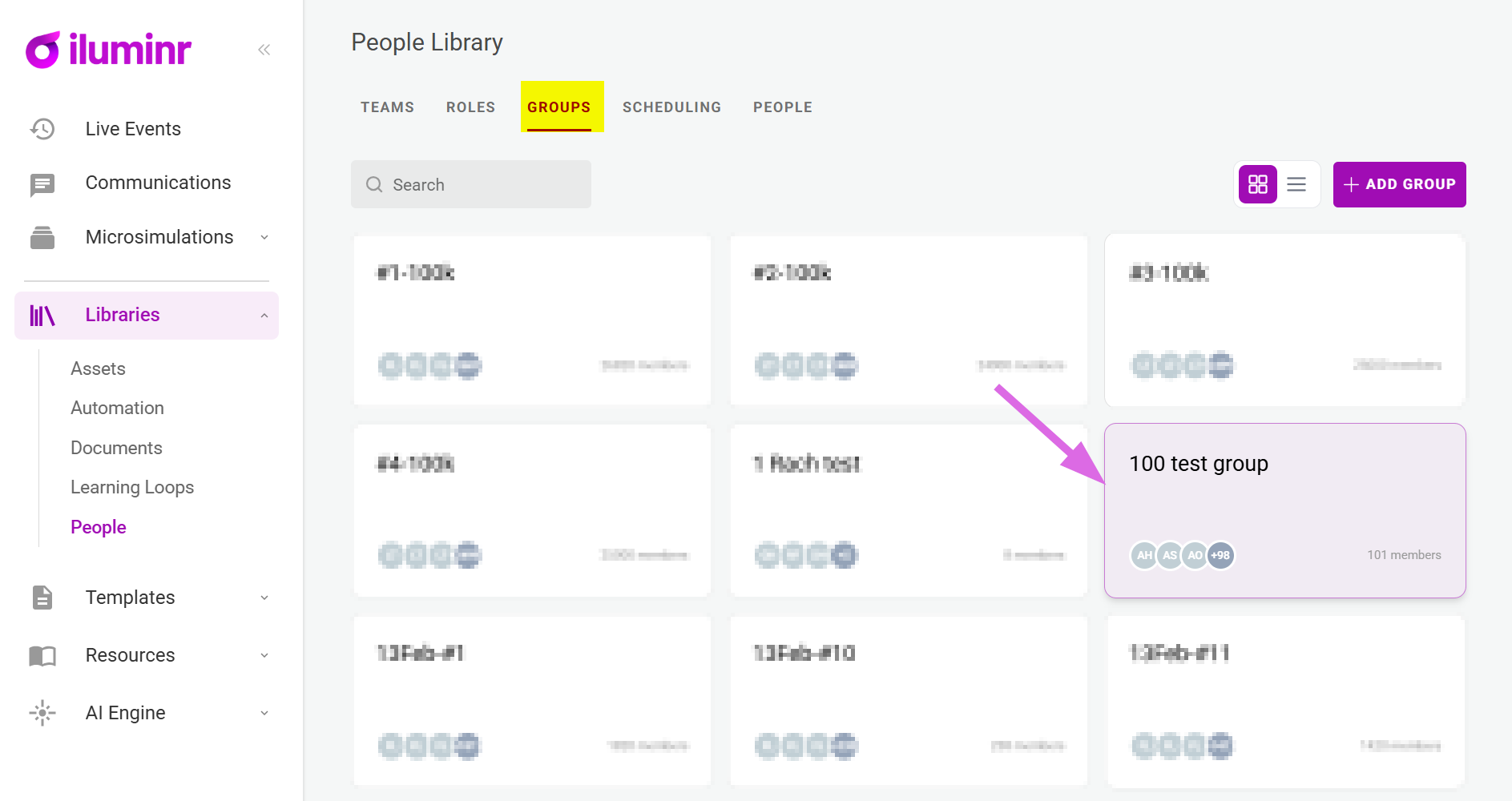
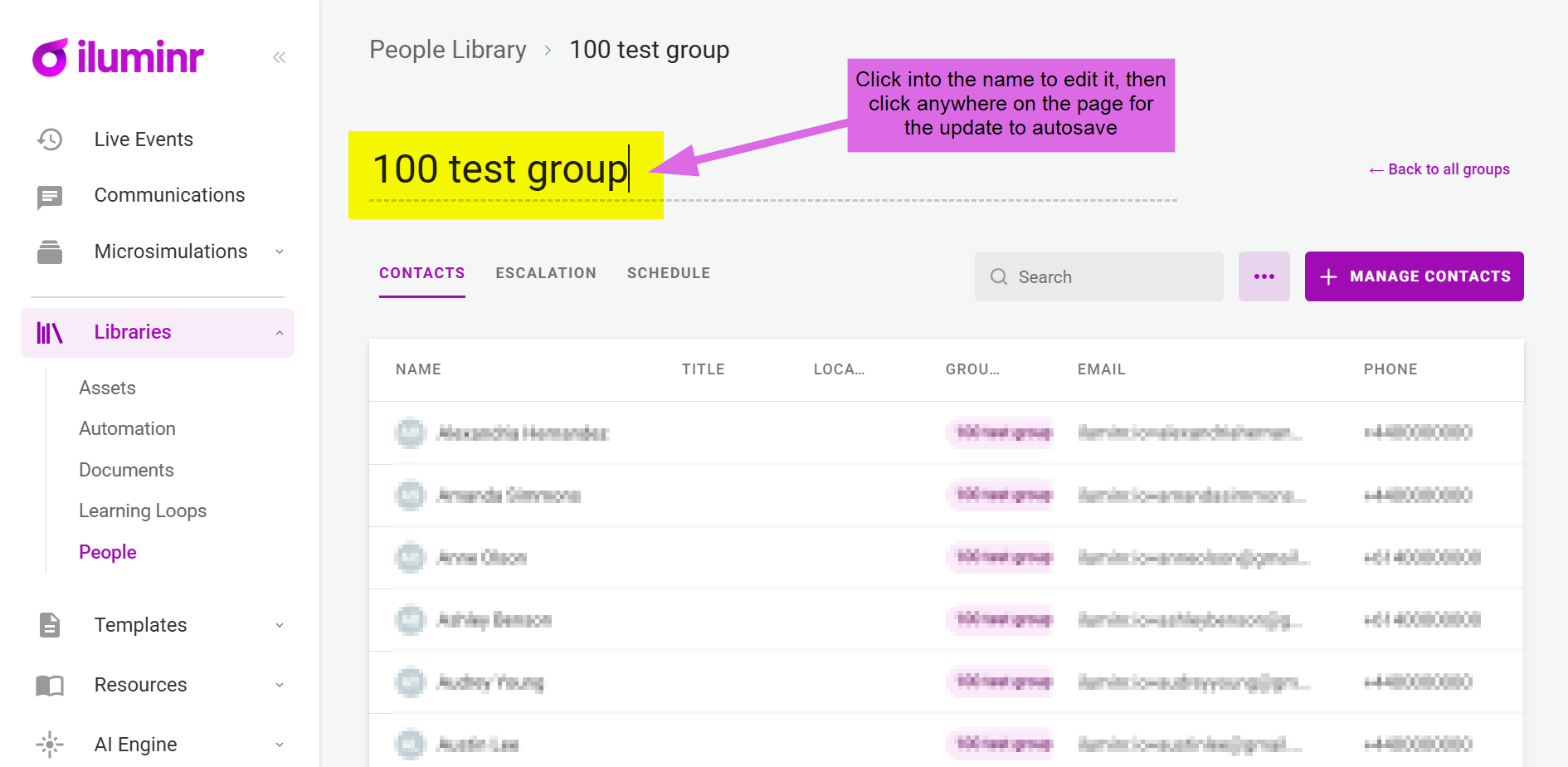
How do I edit a Group name? How do I edit/change a Group name? Visit the iluminr website for your region. Log in with your iluminr credentials. In the menu, click to expand Libraries, then select People. Select the Groups tab. Under the Groups section select the relevant Group Card. Click on Group name, make the name change and click anywhere on the page for the update to autosave. Related Articles: 1. People Management - Role Sets 3. People Management - Users How do I create a new Contact Group? Need more assistance? Submit a support ticket