
This is an admin only feature.
How do I preview a single player Microsimulation?
- Login to your iluminr account.
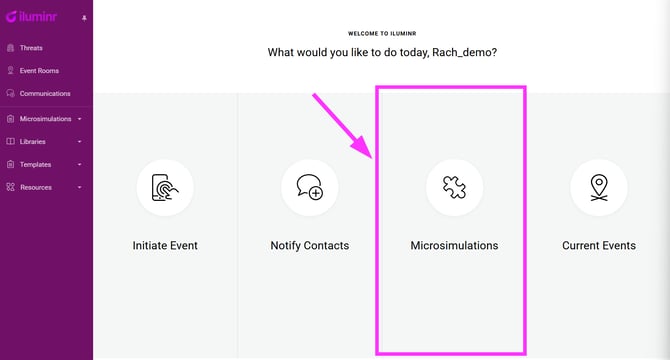
- OPTION 1 - on home screen, select Microsimulations, then select Single Player BETA
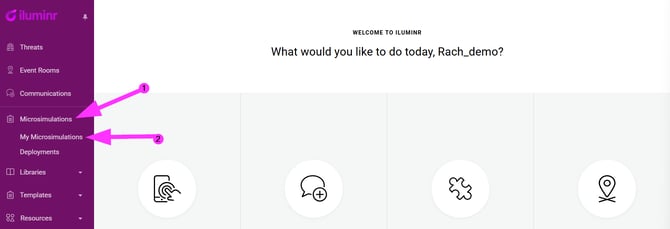
- OPTION 2 - in the navigtation menu,expand Microsimulations, and select My Microsimulations.
- OPTION 1 - on home screen, select Microsimulations, then select Single Player BETA
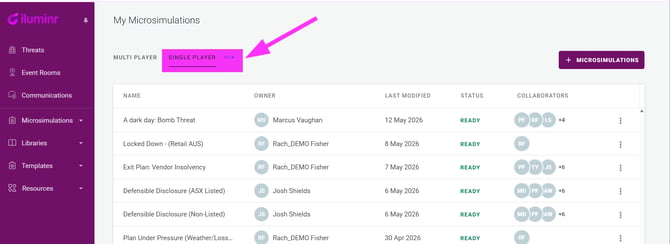
- Select the Single Player BETA tab at the top of the screen.
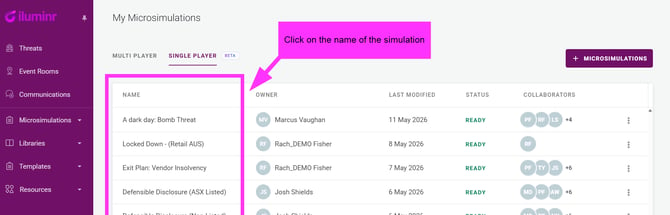
- Click on the name for the Microsimulation you wish to preview.
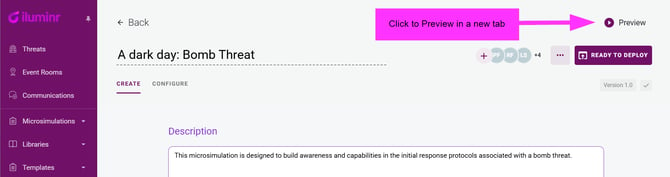
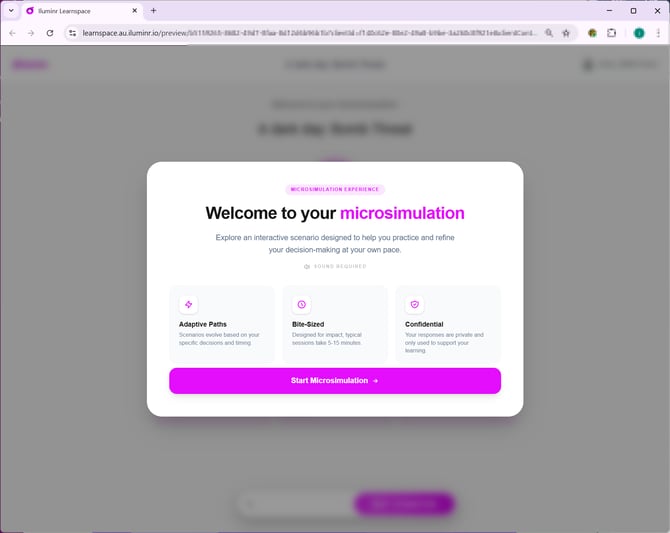
- In the top right-hand of the screen click the Preview button. This will open an interactive preview for you to experience the simulation as a Learner. Please note any responses entered in the preview mode are not accessible after the preview session is closed.
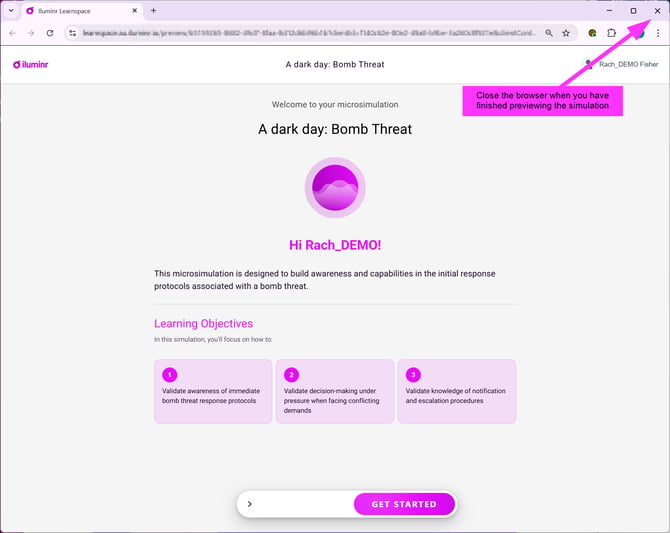
- After you finish previewing the simulation, close the browser tab that opened for the preview.
Related Articles:
Need more assistance? Submit a support ticket